conversation multi
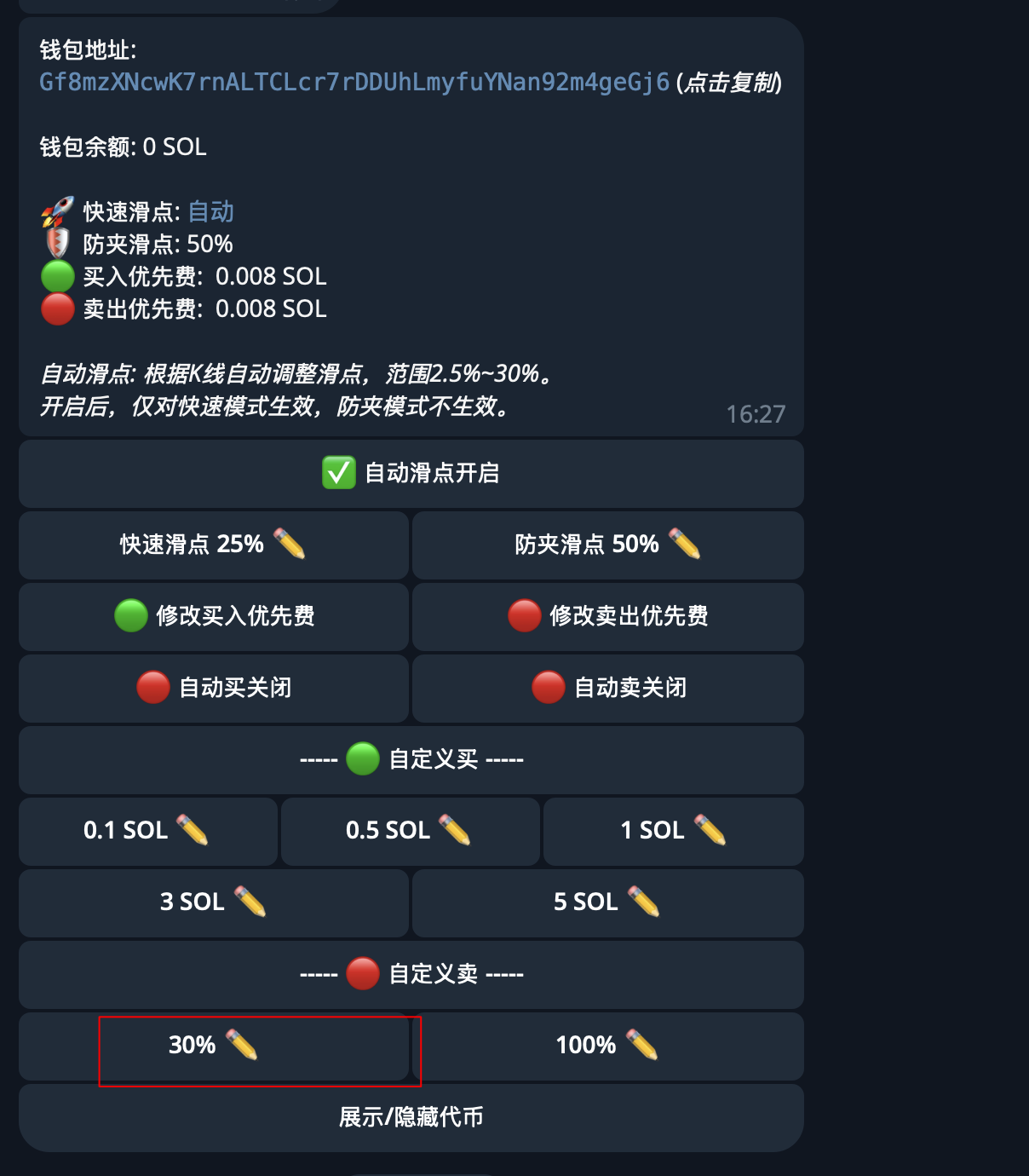
如果我有钱包conversation 还有 自定义卖conversation,如何组织?
code
要组织多个对话功能(如钱包和自定义卖出)可以使用 grammy-conversations,为每个功能创建独立的对话,并根据用户的选择进入相应的对话。以下是一个示例:
实现步骤
- 创建对话函数:为钱包设置和自定义卖出创建独立的对话函数。
- 注册对话:将这些对话注册到机器人中。
- 处理按钮回调:根据用户点击的按钮进入相应的对话。
示例代码
import { Bot, InlineKeyboard } from "grammy";
import { conversations, createConversation } from "@grammyjs/conversations";

const bot = new Bot("<your-bot-token>");

// 注册对话插件
bot.use(conversations());

// 钱包设置对话
async function walletConversation(conversation, ctx) {
  await ctx.reply("请输入收款钱包地址: ⚠️ 请仔细核对钱包地址(注意大小写),转错地址导致的资产损失,需要自行承担");

  const { message } = await conversation.waitFor("message:text");
  const address = message.text;

  if (isValidAddress(address)) {
    await ctx.reply(`地址已设置为: ${address}`);
    // 存储地址或执行相关逻辑
  } else {
    await ctx.reply("无效的钱包地址,请重新输入。");
    return await walletConversation(conversation, ctx);
  }
}

// 自定义卖出对话
async function customSellConversation(conversation, ctx) {
  await ctx.reply("请输入卖出百分比:");

  const { message } = await conversation.waitFor("message:text");
  const percentage = parseFloat(message.text);

  if (!isNaN(percentage) && percentage > 0 && percentage <= 100) {
    await ctx.reply(`卖出百分比已设置为: ${percentage}%`);
    // 存储百分比或执行相关逻辑
  } else {
    await ctx.reply("无效的百分比,请输入1到100之间的数字。");
    return await customSellConversation(conversation, ctx);
  }
}

// 注册对话
bot.use(createConversation(walletConversation));
bot.use(createConversation(customSellConversation));

// 处理命令,显示主菜单
bot.command("menu", async (ctx) => {
  const keyboard = new InlineKeyboard()
    .text("设置转出钱包", "set_transfer_wallet")
    .row()
    .text("自定义卖出", "custom_sell");

  await ctx.reply("请选择一个操作:", {
    reply_markup: keyboard,
  });
});

// 处理按钮回调
bot.callbackQuery("set_transfer_wallet", async (ctx) => {
  await ctx.conversation.enter("walletConversation");
});

bot.callbackQuery("custom_sell", async (ctx) => {
  await ctx.conversation.enter("customSellConversation");
});

// 验证地址格式的函数(简单示例)
function isValidAddress(address: string): boolean {
  // 这里可以加入更复杂的验证逻辑
  return address.length > 0;
}

// 启动机器人
bot.start();
说明
- 独立对话:每个功能都有自己的对话函数,处理不同的用户输入。
- 对话入口:通过按钮回调进入相应的对话。
- 输入验证:在对话中验证用户输入的正确性。
根据实际需求,完善输入验证和存储逻辑。