Google drive problem
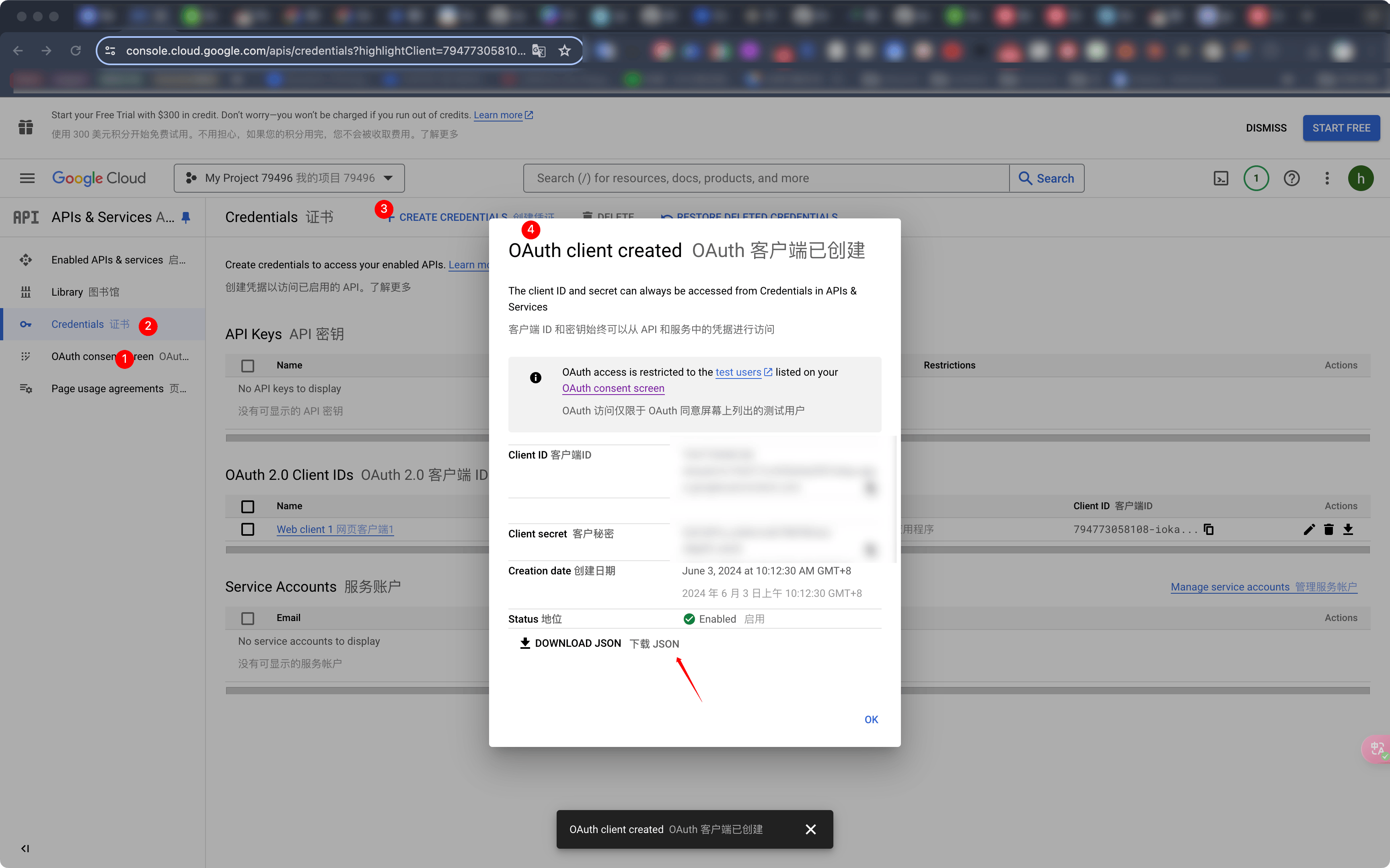
problem
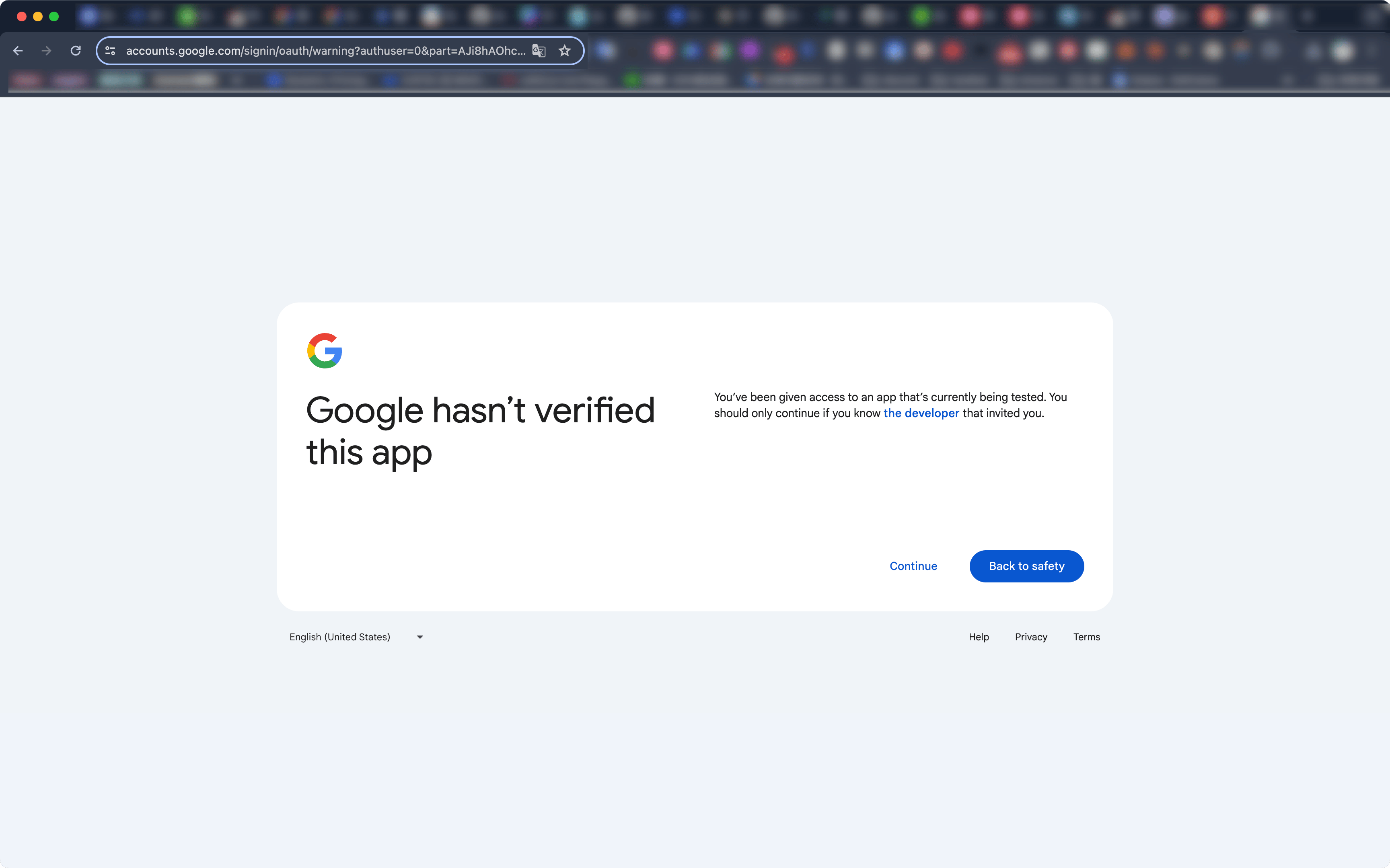
当您看到“Google hasn’t verified this app”提示时,表示您的应用尚未通过 Google 的验证。这通常发生在您使用 Google API 进行开发并在测试阶段时。您可以继续使用该应用,但需要手动跳过警告。
如何跳过“Google hasn’t verified this app”警告
-
点击“Advanced”: 在这个页面上,您会看到一个“Advanced”链接。点击它。
-
继续访问未验证的应用: 在展开的高级选项中,您会看到一个选项,允许您继续访问未验证的应用。点击此选项。
验证您的应用
为了避免此警告,您可以向 Google 提交您的应用进行验证。以下是一些步骤:
-
在 Google Cloud Console 中配置 OAuth 同意屏幕:
- 访问Google Cloud Console。
- 选择您的项目。
- 在左侧菜单中,导航到“APIs & Services” > “OAuth consent screen”。
- 填写必要的信息,例如应用名称、支持电子邮件、开发者联系信息等。
- 添加必要的 OAuth 范围(scopes)。
-
提交验证请求:
- 在 OAuth 同意屏幕配置页面上,点击“Submit for verification”。
- 按照 Google 的要求提供必要的信息和文档。
-
等待 Google 审核:
- Google 将审核您的应用,并可能会要求您提供更多信息。审核过程可能需要一些时间。
开发和测试阶段的临时解决方案
在开发和测试阶段,您可以继续使用未验证的应用,但请确保您仅与信任的测试人员共享此应用。
通过上述步骤,您可以跳过验证警告并继续测试您的应用,同时也可以考虑提交应用进行验证以避免未来的警告。
continue
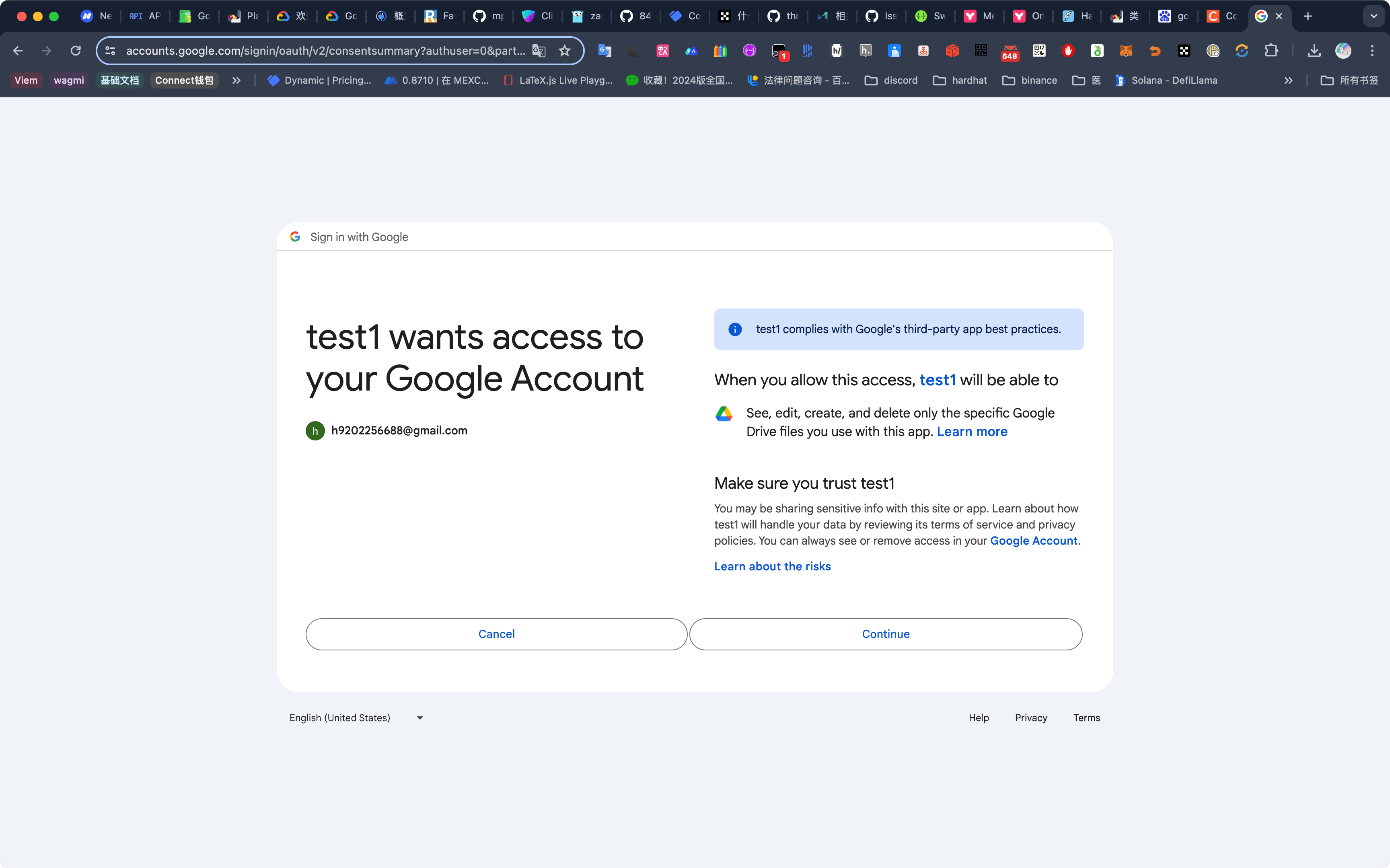
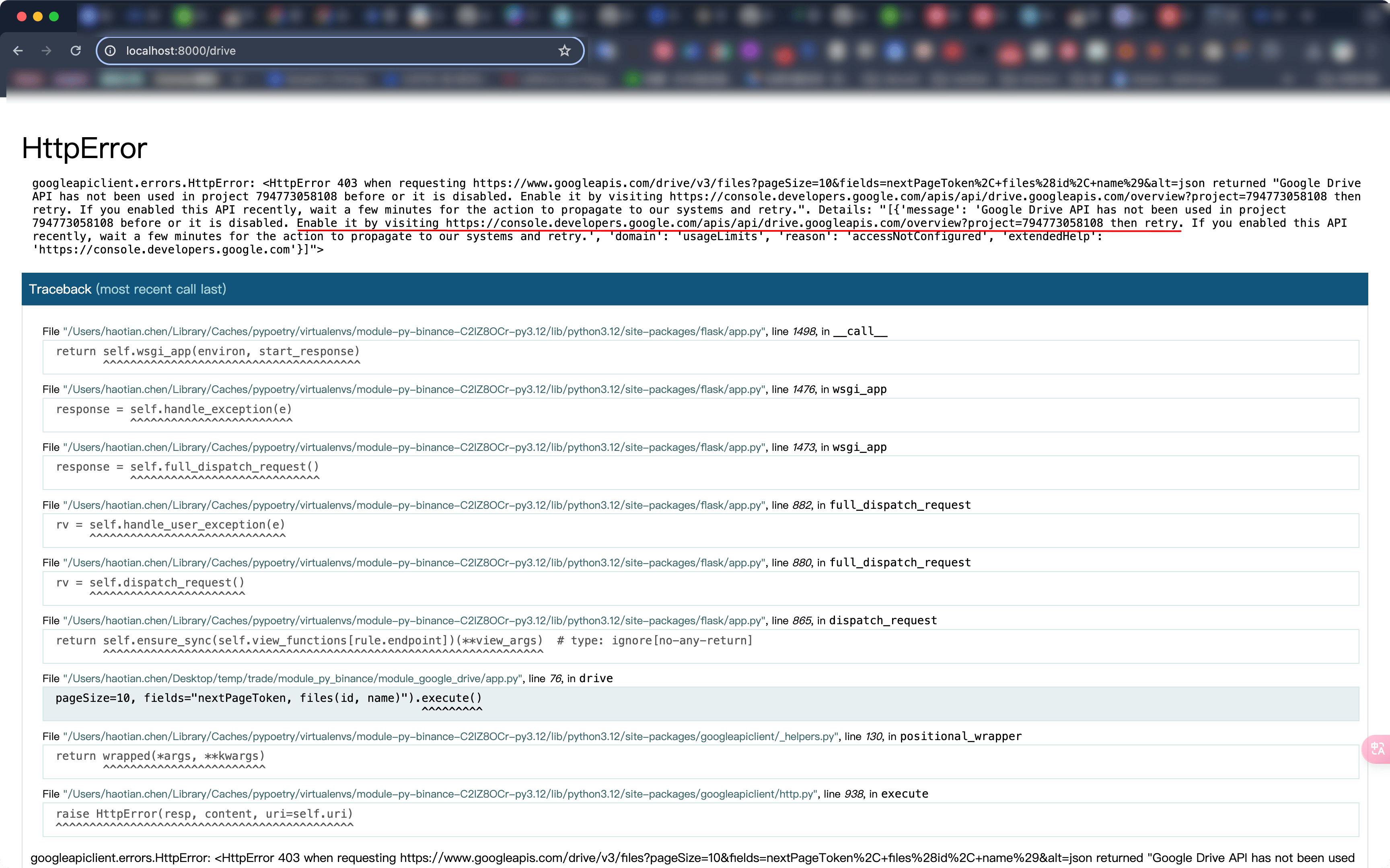
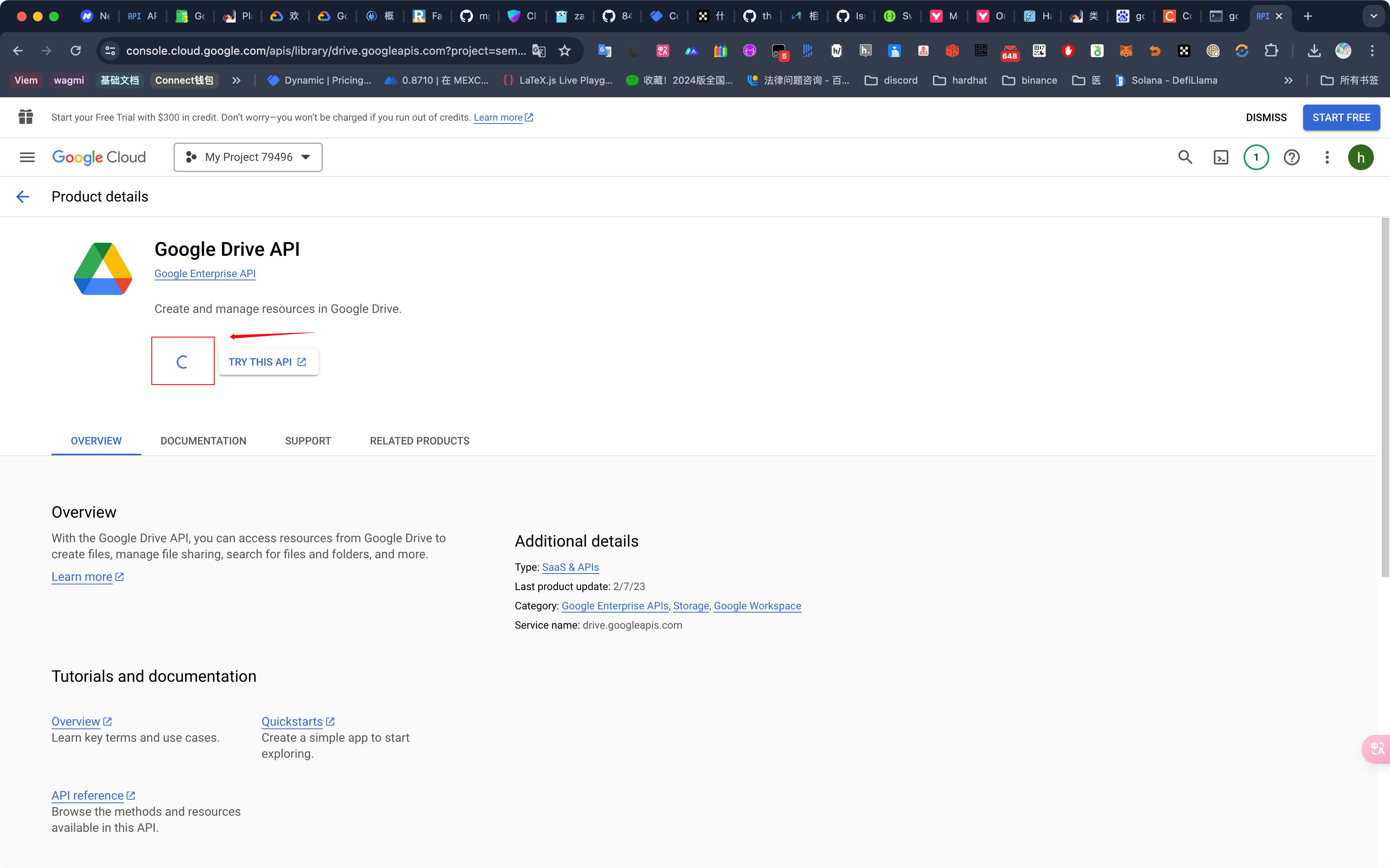
enable app google drive
https://console.developers.google.com/apis/api/drive.googleapis.com/overview?project=794773058108
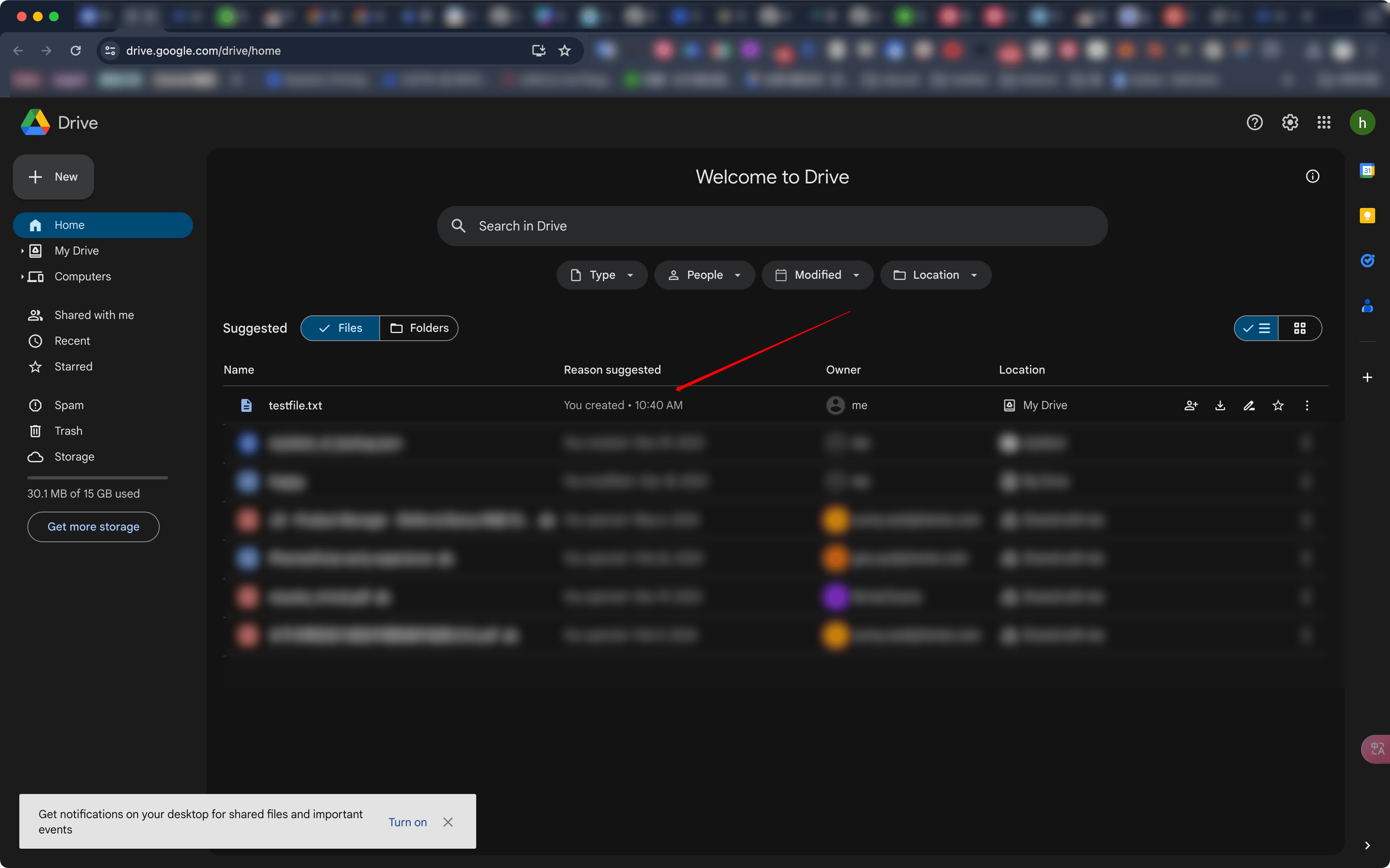
查看 google drive 文件
https://drive.google.com/drive/home
清理缓存,进行重新授权
@app.route('/clear')
def clear_credentials():
    if 'credentials' in session:
        del session['credentials']
    return 'Credentials have been cleared. You can <a href="/authorize">authorize</a> again.'